- Free Call: 0800 623 687 0800 623 687
- Login / Register

Strong passwords made simple: stay secure online in 2025
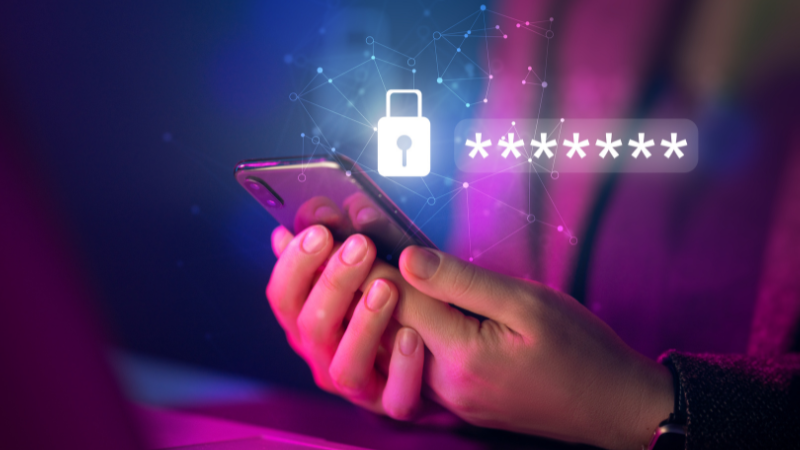
Keeping your online accounts safe is more important than ever. Whether it’s your Motorcentral account, online banking, social media, or email, a strong password is your first line of defence against cyber threats. Here’s a practical, Kiwi-friendly guide to creating passwords that are secure and easy to manage.
- Mix it up
Strong passwords aren’t just letters. Combine uppercase and lowercase letters, numbers, and symbols. Avoid obvious patterns likeCarDealer2025. Instead, aim for something random and tricky to guess, likeR7!dM#2vLq$. - Skip personal details
Names, birthdays, pets, or favourite sports teams are easy to remember, but they’re also easy to crack. Pick words, numbers, or symbols that aren’t directly linked to your life. - Make it long
Length matters. A password should be at least 12 characters long. The longer it is, the tougher it is for cybercriminals to hack. - Try a passphrase
A passphrase is a series of random words or a memorable sentence that’s hard for others to guess. For example:Kiwi$Pavlova!Beach7It’s easier to remember than a string of random characters, but still very strong. - Unique passwords for every account
It’s tempting to reuse passwords - but don’t. If one account gets hacked, all others with the same password are at risk. Make each account’s password unique. - Use a password manager
Password managers are essential in 2025. Tools like 1Password, LastPass, Dashlane, or Bitwarden can generate strong passwords and securely store them. They also make it easy to use unique passwords across all your accounts without stressing over remembering each one. - Turn on two-factor authentication (2FA)
2FA adds an extra layer of protection. Even if someone obtains your password, they can’t log in without a second step, such as a code from an authenticator app. Where possible, use an app instead of SMS codes for stronger security. - Update passwords regularly
Review and refresh your passwords, especially for sensitive accounts like email, banking, or online marketplaces. Many password managers can even remind you when it’s time to update. - Check for breaches
Make it a habit to see if your accounts have been part of a data breach. Websites like Have I Been Pwned can alert you if your email or password has been exposed. - Watch out for phishing
Even the strongest password won’t help if you fall for phishing scams. Be wary of emails, texts, or messages asking for login details. Always verify the sender and never click on suspicious links.
Keeping your passwords strong doesn’t have to be complicated. Mix characters, make them long, use unique passwords, enable 2FA, and keep them updated. By following these tips, you’ll keep your Motorcentral account and all your online accounts safe and secure in 2025, so you can focus on finding your next car with confidence.